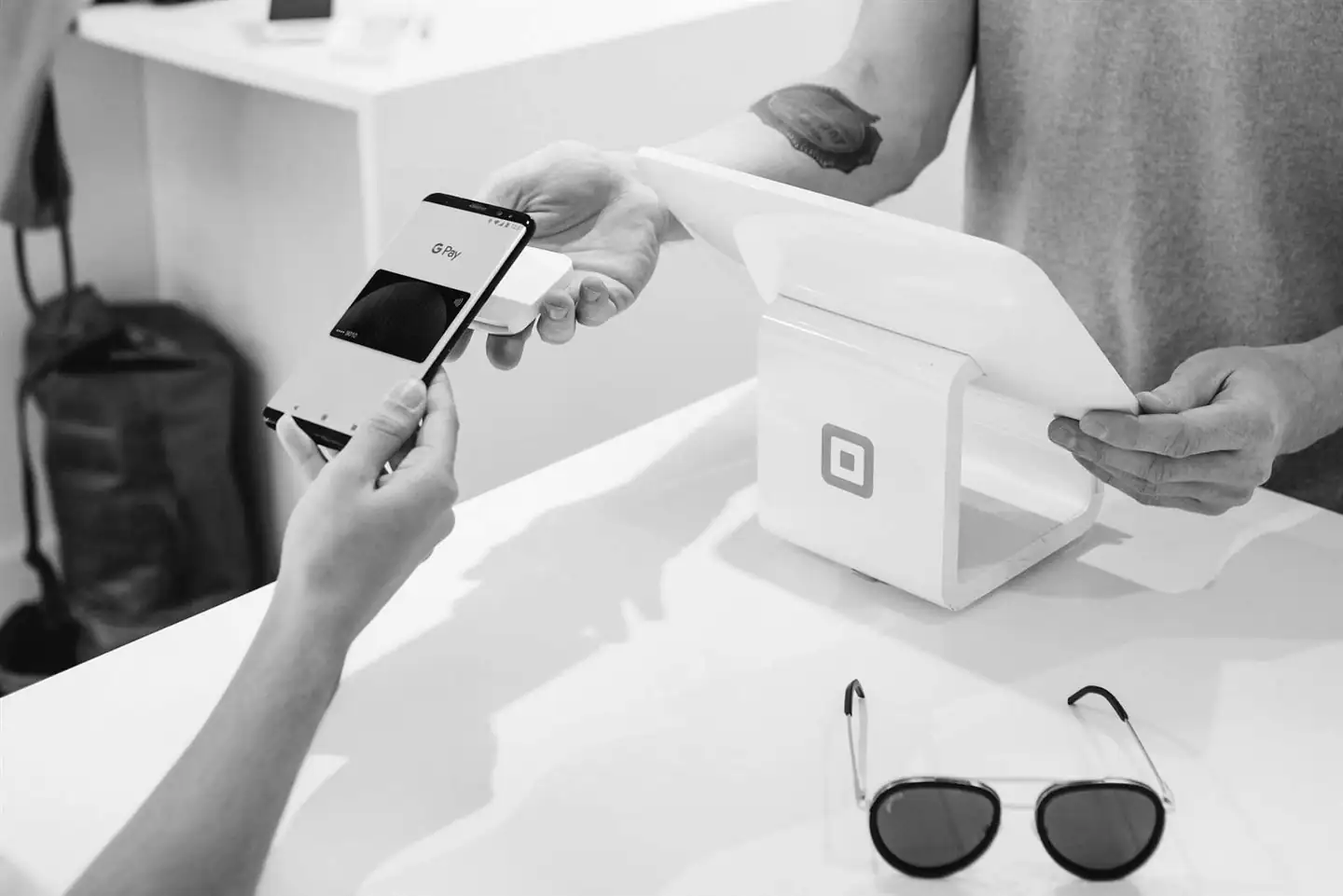
A self-service kiosk is a touch-screen terminal that lets customers complete a task on their own, such as paying, placing an order, taking a queue token or registering at a clinic. Businesses use kiosks to shorten queues at busy times and let staff spend their time on service that needs a person, rather than on repetitive counter work.
Where kiosks make the biggest difference
Retail self-checkout
Customers with a few items scan and pay without waiting in the main queue, while staff help shoppers with larger baskets or questions. Explore the Retail Self-Checkout Kiosk.
Restaurant and food court ordering
Diners browse the full menu, customise items and pay at their own pace. Orders go straight to the kitchen, which reduces mistakes from busy counters. See the Food & Restaurant Ordering Kiosk.
Queue and token management
Banks, service centres and government offices issue tokens and show who is being served next, so visitors can wait comfortably instead of standing in line. Learn about the Queue & Token Management Kiosk.
Clinic and hospital registration
Patients check in, update details and get directions, easing the load on the front desk during morning rush hours. View the Healthcare Patient Registration Kiosk.
What to plan before you buy
- The exact task. Define the one or two tasks the kiosk must handle. Trying to do everything makes the screens confusing.
- Payments. Decide which methods you'll accept, such as UPI QR, cards or cash, and how receipts are issued.
- Languages. Offer the languages your customers actually use, not just English.
- Accessibility. Consider screen height, text size and a simple way to call for help.
- Placement. Put kiosks where queues form, with clear signs so people know they can use them.
- Upkeep. Plan who checks paper, connectivity and screen cleanliness each day, and how faults are reported.
Managing several kiosks
Once kiosks are spread across branches, visiting each one to check on it becomes expensive. Central monitoring shows which devices are online and lets your team act before customers notice a problem. See Remote Kiosk Device Management.
Frequently asked questions
Do self-service kiosks replace staff?
Usually not. They take over repetitive counter tasks at busy times, so staff can help customers who need advice, have complex requests or prefer to be served by a person.
Can a kiosk accept UPI payments?
Yes, kiosks can be set up to accept UPI through a QR code alongside card payments. The payment options are confirmed during project planning.
Can the kiosk screens use my branding and languages?
Yes. Screens can be designed with your branding, and the languages you need are agreed for your project.
How many kiosks does a business need?
Start by looking at your peak-hour queue: how many people wait and how long each transaction takes. That tells you roughly how many kiosks remove the queue. Many businesses begin with one or two and add more after seeing how customers use them.
Considering kiosks for your stores, restaurant or clinic? Browse all our kiosk products or request a demo.