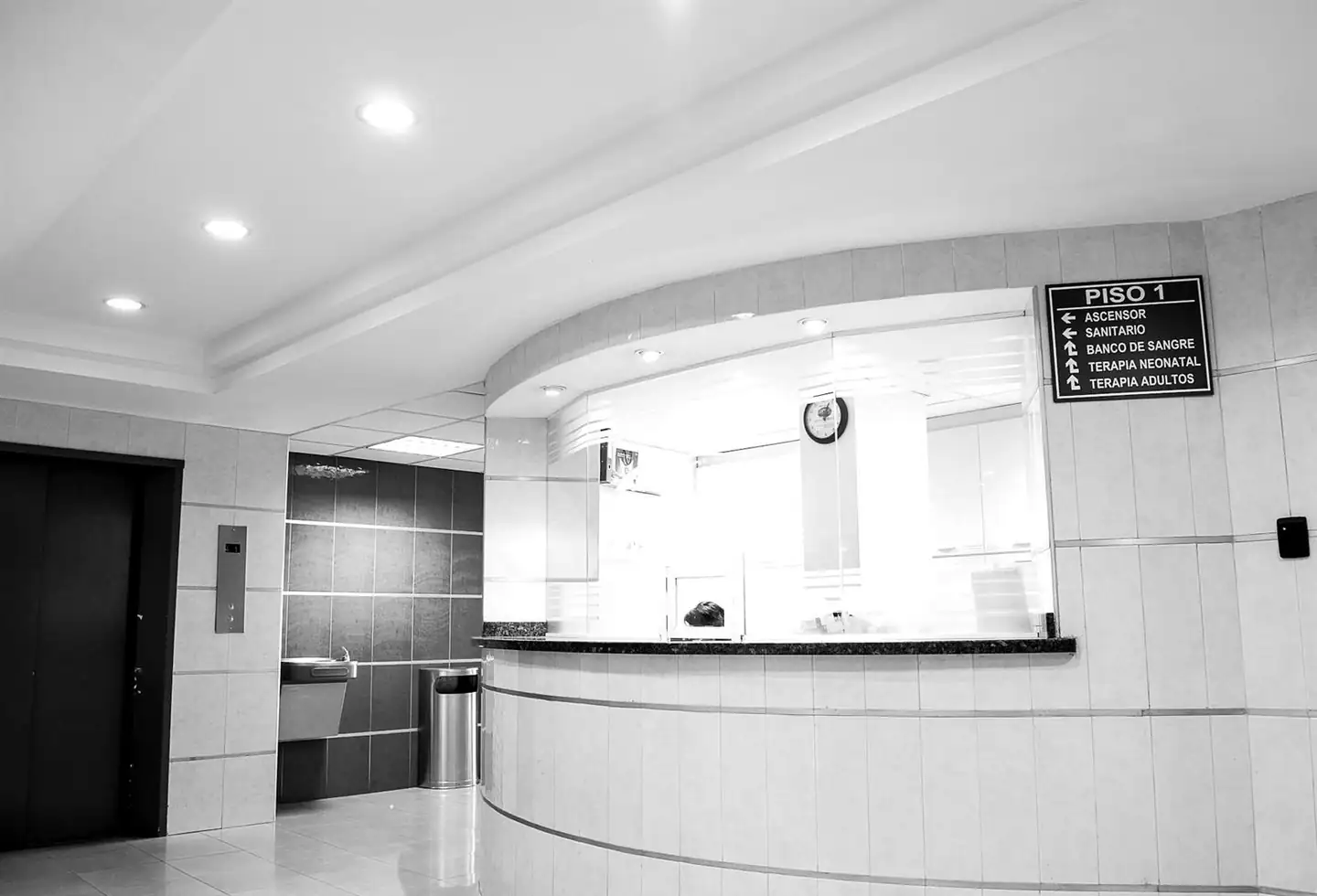
Healthcare Patient Registration Kiosk: bright hospital reception desk
Industry-Specific Kiosks

Streamline patient check-in and health screening.

Introduction

What is Healthcare Patient Registration Kiosk?

The Healthcare Patient Registration Kiosk helps patients check in and complete health screening steps. Reception becomes less crowded, and staff can give more attention to patients who need help.

Help patients check in quickly so reception teams can focus on those who need the most help.

Category
Industry-Specific Kiosks
Best for
Hospitals and multi-speciality clinics
Why it matters

Reception queues add stress when patients are already unwell. A faster check-in improves the first step of their visit.

Who it is for

Built for People Like You.

Hospitals and multi-speciality clinics Diagnostic centres Outpatient departments Healthcare groups with several branches
Sound familiar?
  1. 01Crowded reception during peak hours
  2. 02Staff re-typing the same patient details
  3. 03Patients waiting just to register
  4. 04Screening steps done on paper
What you get

What's Included.

Made for your hospital: reception desk with a desktop computer

Made for your hospital

Planned around your patient flow.

Request a demo
Online and offline

Works When the Network Doesn't.

Run the Healthcare Patient Registration Kiosk connected for live results, and keep it useful when the connection is weak or gone. We agree with you which actions continue offline during planning.

Online mode

Live data

Every use of the Healthcare Patient Registration Kiosk reaches your systems the moment it happens.

Remote updates

Change content, prices or screens from one place without visiting the site.

Health monitoring

See the status of each kiosk and get alerts early.

Offline mode

Keeps serving

When the connection drops, the kiosk keeps running the screens people need.

Saved on the device

Entries are stored safely on the kiosk instead of being lost.

Syncs by itself

As soon as the connection returns, saved entries are sent without anyone lifting a finger.

Actions that need a live check, such as card payments, need a connection. We confirm what runs offline for your project.

How it works

From First Call
to Go-Live.

  1. 1

    Visit & plan

    We look at the location, the visitors and the task the kiosk must handle.

  2. 2

    Set up the journey

    We design the screens and steps in your branding and language.

  3. 3

    Install & connect

    We install the kiosk and connect it to the systems it depends on.

  4. 4

    Go live & monitor

    We train your staff, launch and help you keep the kiosk running.

Plans

Pick the Plan That Fits.

Start with Basic and move up when you are ready, or take Premium from day one. Both are a subscription, quoted to the size of your team and sites.

Basic

Everything you need to get Healthcare Patient Registration Kiosk running.

Custom quote Billed monthly. Stay flexible.Billed yearly. Lower cost per month.
  • Patient check-in
  • Health screening
  • Standard setup and online walkthrough
  • Email support in business hours
  • Updates included
Get Basic
Most chosen

Premium

The full product, set up around your business and backed by priority support.

Custom quote Billed monthly. Cancel any month.Billed yearly. Our best value.
  • Everything in Basic, plus
  • Easy to use
  • Made for your hospital
  • Setup tailored to your workflow
  • Live training for your team
  • Custom integrations and dashboards
  • Priority support with a named contact
Get Premium

How we compare

What each plan includes, next to what is common in the market.

What you getBasicPremiumTypical market
Product features First 2 core features All 4 features Often sold as paid add-ons
Setup and configuration Standard setup Tailored to your workflow Usually a separate fee
Team training Online walkthrough Live training for your team Often charged extra
Support Email, business hours Priority, named contact Faster replies cost more
Integrations Common tools Custom integrations Limited or a paid add-on
Reports Standard reports Custom dashboards Higher tiers only
Updates and improvements Included Included Sometimes charged

The market column describes common practice in general terms, not any one company. Payments are non-refundable; please read our Refund Policy.

Where it helps

Outpatient registration
Clinic self check-in
Diagnostic centre reception
Pre-visit health screening

Trusted Global Partners

Brands around the world build with us.

FAQ

Common Questions.

Still unsure? Ask our team and we will help.

It streamlines check-in and health screening, which helps reduce pressure on reception.

Tell us which system you use and we will confirm how integration can work.

We recommend keeping staff nearby to assist, and we plan the setup around that.

Pricing depends on your scope, so we share a quote after understanding your needs. Contact our team for pricing.

Yes, it can run in offline mode. When the connection drops, the kiosk keeps serving its main screens, saves entries on the device and syncs them automatically once it is back online. Actions that need a live check, such as card payments, need a connection. We confirm what runs offline for your project.

We discuss hardware during planning, based on your location and how the kiosk will be used.

It depends on the number of kiosks and the systems involved. We share a timeline after the site review.

Yes. We show your team how the kiosk works and what to do if a visitor needs help.

We agree a support plan with you, so your team knows who to contact and what to expect.

Yes, starting small is a sensible way to test the kiosk before rolling it out to more sites.
Ready to start?

Talk to Us About
Healthcare Patient Registration Kiosk.

Tell us what you need and we'll help you find the right next step.